Activating a Licence Online
Activating an Existing or Additional Licence
If you have upgraded an existing licence, or have been issued with an additional licence, you will need to activate that licence, using either the activation code or the USB security key (dongle) supplied to you by Micromine licensing.
Note: Your computer must remain online during the activation process described below.
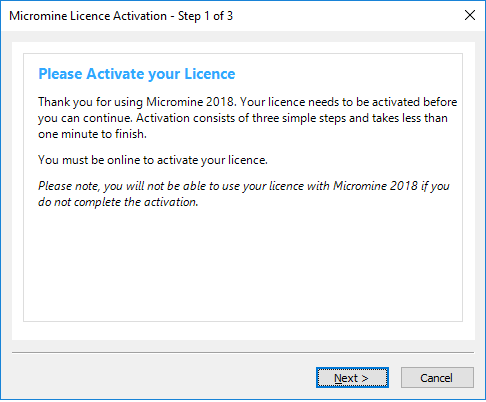
To activate a licence using an activation code supplied to you by Micromine Licensing:
- Select Tools | Licensing | Activate Licence Online.
- Click Next to begin the activation process.
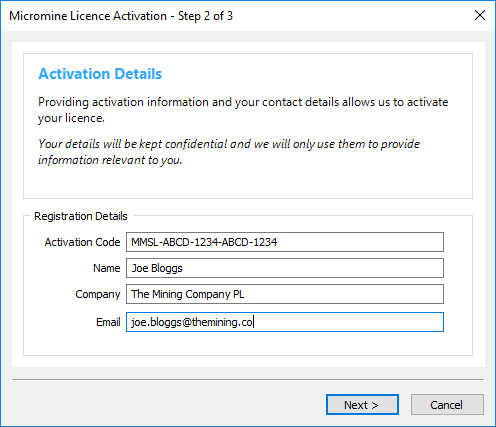
- Enter the activation code provided to you by Micromine Licensing.
- Enter your contact details.
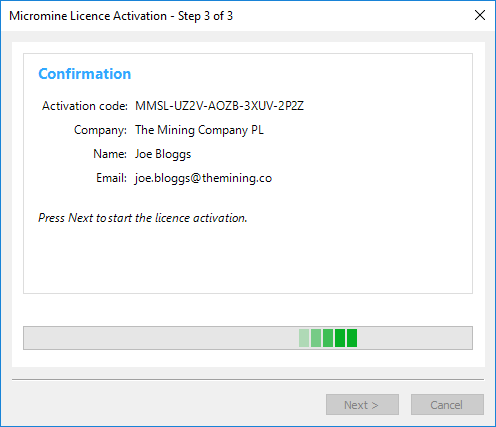
- Please wait while Micromine contacts Licensing Services to obtain activation data.
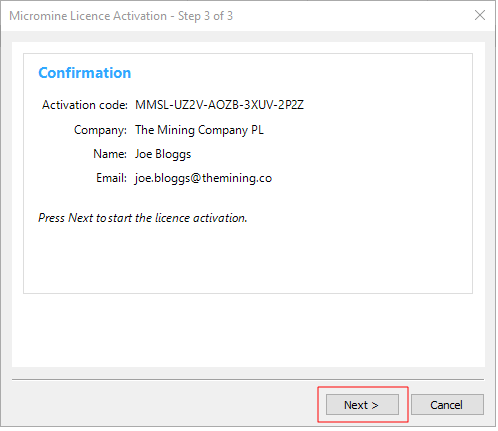
- Press Next to start the licence activation:
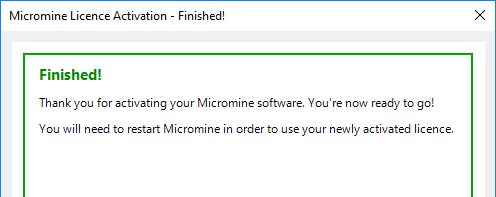
- If the activation is successful, you're ready to go.
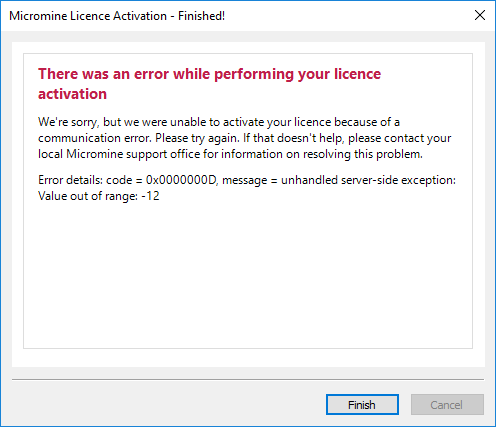
- If an error occurs please take a screenshot, or write down the error code and the message, before contacting licensing support. Press Next to complete the activation process.