Activate a Security Key (Dongle)
Activating a New Licence
If you are installing Micromine 18.0 for the first time, you will need to activate your licence, using either the activation code for a local node-locked licence, or the USB security key (dongle), supplied to you by Micromine Licensing.
After installation, the following screen will appear when you start Micromine:

To activate a licence that is locked to a dongle:
- Select Activate Dongle.
Note: Your computer must remain online during the activation process described below.
To activate a licence that is locked to a dongle:
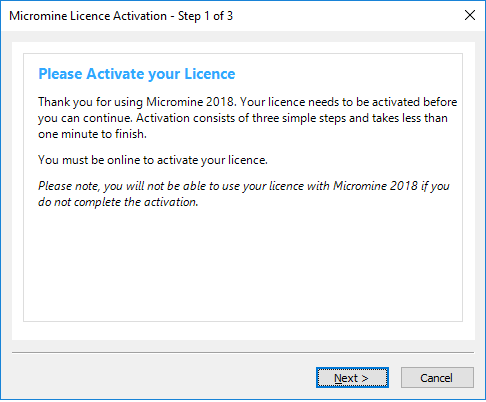
- Click Next to begin the activation process:
- Enter your contact details.

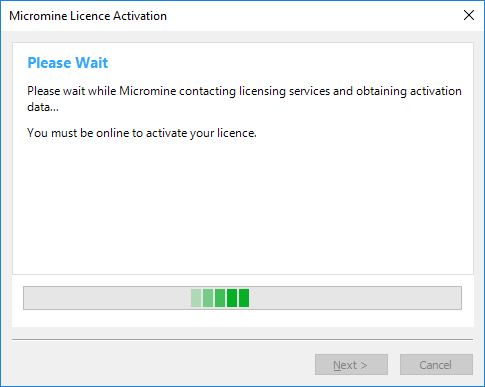
- Please wait while Micromine contacts Licensing Services to obtain activation data.
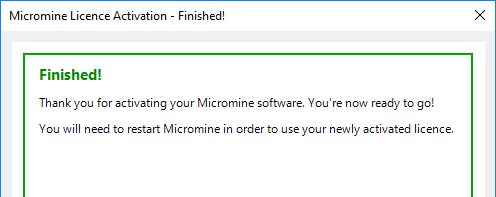
- If the activation is successful, you're all ready to go!
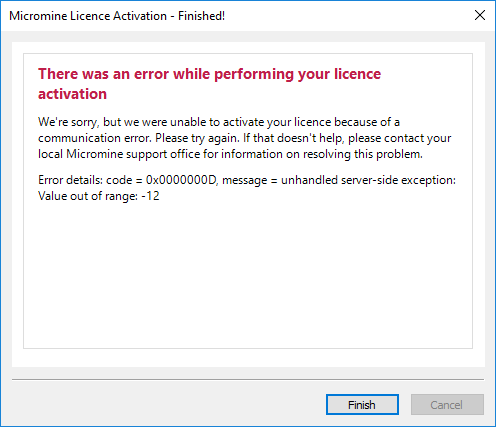
- If an error occurs, please take a screenshot, or write down the error code and the message, before contacting licensing support. Press Next to complete the activation process.