Change Vizex Theme
Themes define the form sets to be used for the Background, Coordinate Grid, Scalebar and Axis Orientation, as well as default selection colours. You can quickly switch between different themes to suit your current workflow.
To apply a Vizex theme:
- Click the Change Vizex Theme button on the View toolbar:
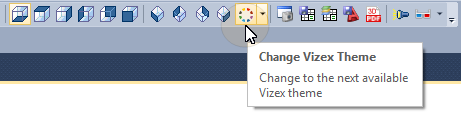
If you have created a list of themes and multiple themes are enabled , the next available theme is applied to the display.