Background Options
Select View | Vizex Background Options to choose how the background will be rendered when manipulating the Vizex scene in the current project. The following options are provided:
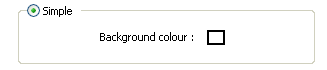
Simple
This is the default setting. Specify a background colour to be applied to the Vizex scene.
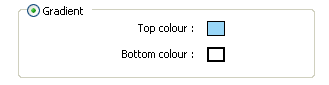
Gradient
Select this option to apply a background with a colour gradient to the Vizex scene. Double-click on the Top colour and Bottom colour responses to specify the gradation from top to bottom.
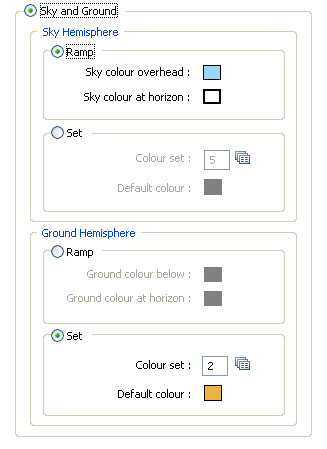
Sky and Ground
Select this option to apply a different background for the sky hemisphere and the ground hemisphere. For each hemisphere you can either:
- Apply a colour ramp. Double-click on the responses to set the sky and ground colours above, below, and at the horizon.
- Use a colour set or a default colour to colour the hemispheres. Double-click on the responses to select a colour set and a default colour.
Sky and ground options are particularly effective when running a 3D fly-through. For example, you can set the background above the horizon from white at the horizon to progressively darker shades of blue at the zenith, and set the background colour below the horizon from a light brown at the horizon, to a dark brown at the nadir.
 See Also