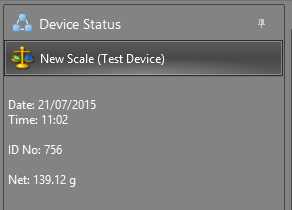
Recording data from a device
When you open a table which has been setup to record data from one or more devices, the Device button on the main toolbar is enabled, and will change dynamically to match the device that is setup for the table, or, if more than one device is setup, the last device used.
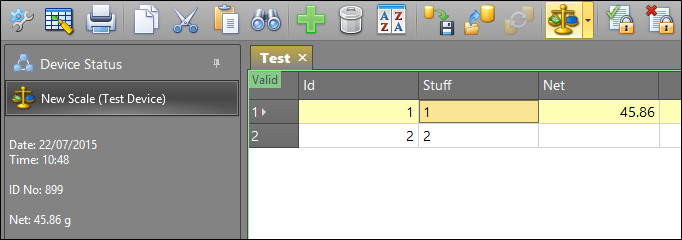
This allows for one-click readings, without the need to select a device from the tool menu.
Test Devices
If you do not have a device but want to configure a profile with a device for testing purposes, you can now select a Test device option from the Device menu.
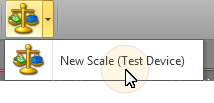
GPS, Magnetic Susceptibility, and Scales readings can be simulated in order to ensure the device connection is tested as “working” prior to connecting the actual device.