Switch Active Licence
Select Tools | Licensing | Switch Active Licence to switch the active licence configuration.
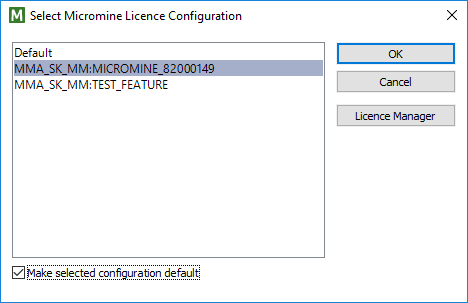
Make selected configuration default
Select this check box to make the selected configuration the default. If several configurations exist and you do not set a default, you will be prompted to select a configuration when you start the application.
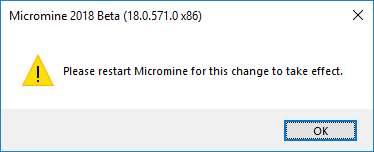
You will need to restart the application for a change in configuration to take effect.
Tip: To see the time remaining on your licence, select Tools | Licensing | Licence Time Remaining.